Launch a Macro Script from another Macro Script
As scripts become larger and more complex, you can divide your workflow into modular macro scripts and execute them sequentially. Using the Launch & Wait action, a parent script can launch a child macro script file (`.mamc`), wait for its execution to complete, and then continue executing subsequent actions.
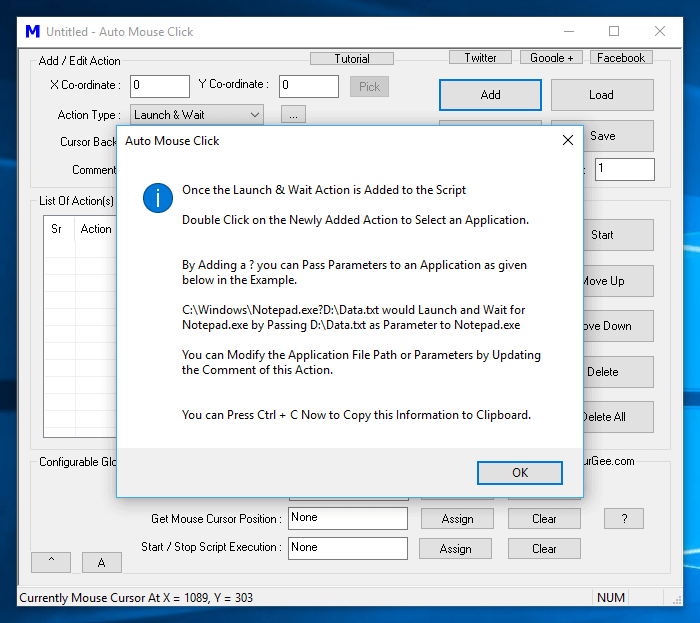
You can also pass command-line arguments or parameters to applications launched with the Launch & Wait action. To execute one macro script from another, follow these steps:
- Create your initial macro script and save it to any folder on your computer.
- Create or open the parent script from which you want to launch the initial script.
- Add a Launch & Wait action to the parent script.
- Double-click the newly added Launch & Wait action row and select your initial script file (`.mamc`).
- When you run the parent script, it will execute the child script to completion before continuing with remaining actions in the parent script.
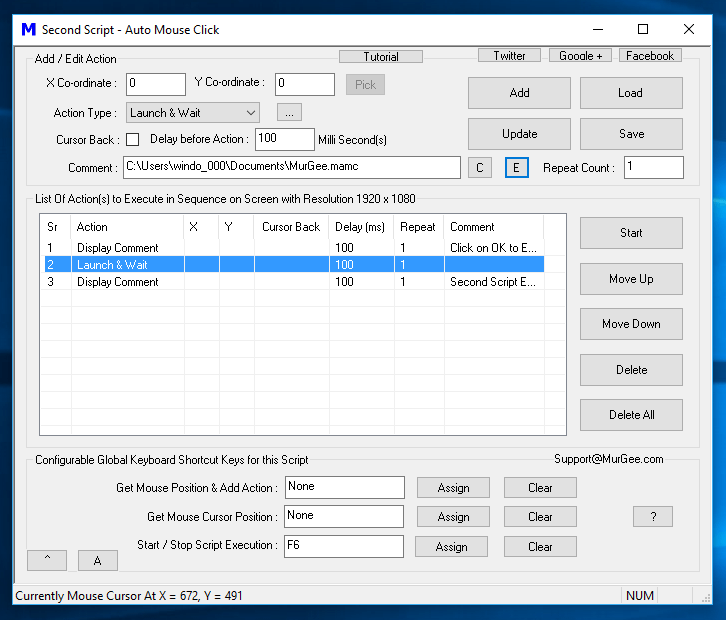
The screenshot above shows a parent macro script containing several actions, including a Launch & Wait action configured to trigger a child macro script. The file path of the child script is automatically logged in the action comment field when selected.