Simple and Easy Automatic Mouse Clicking Software
Software is most effective when it is intuitive to operate, reliable, and tailored to your specific workflow. Auto Mouse Click provides a straightforward, user-friendly solution for automating repetitive mouse clicking and keyboard tasks on Windows.
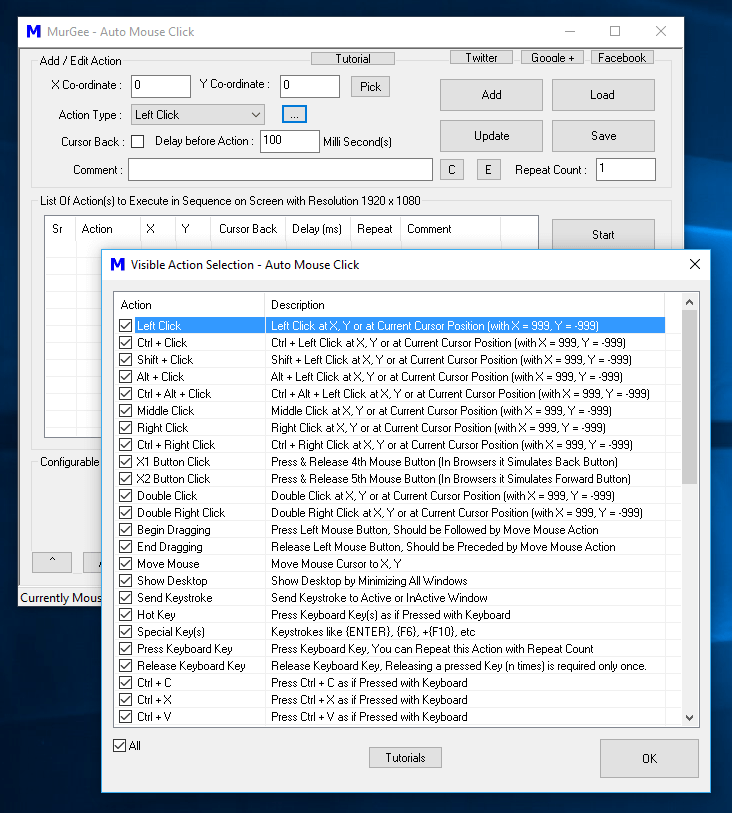
Auto Mouse Click adapts easily to various automation requirements—whether you need to click multiple screen locations, perform repetitive data entry, or automate background application tasks while keeping your physical mouse free for other work. Comprehensive tutorials and guides for Auto Mouse Click are available to help you build and manage scripts quickly.
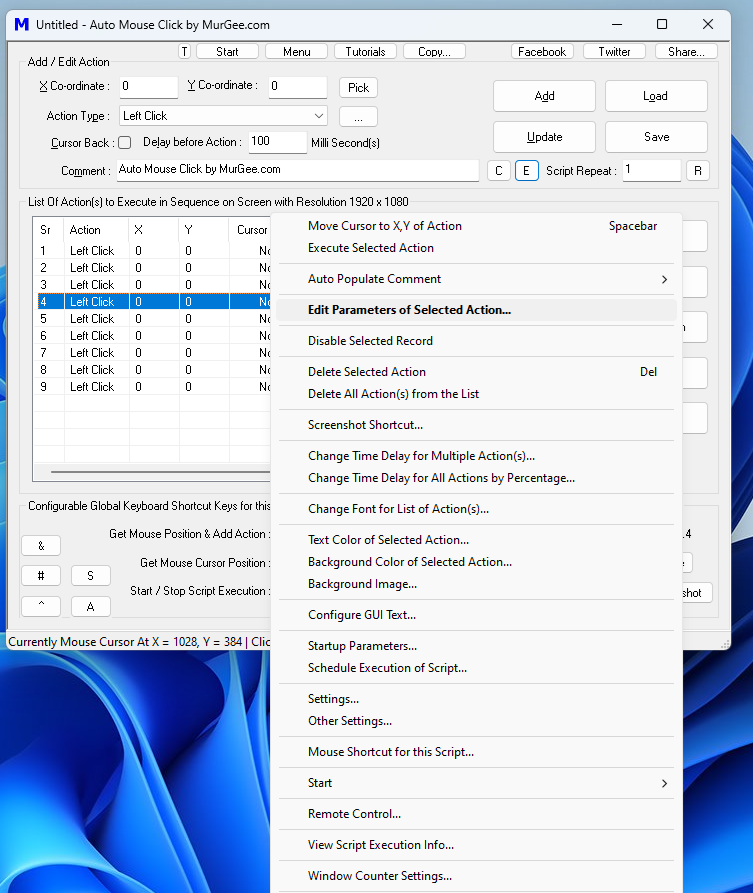
You can download and install Auto Mouse Click for a free trial without functional limitations. The software fully supports 64-bit and 32-bit Windows operating systems, including Windows 11, Windows 10, and Windows 8.1. A nominal registration fee of $9.87 grants a full license after the trial period.
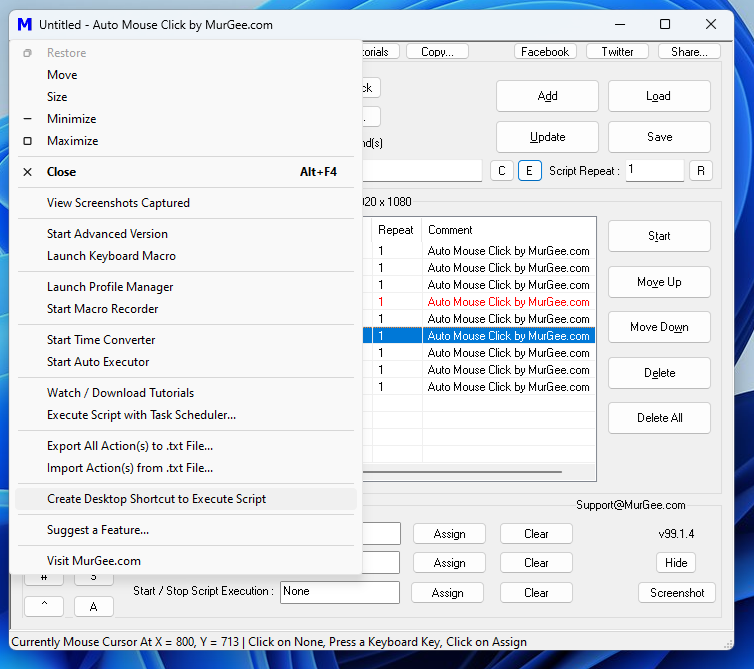
Advanced tools and script management options can be accessed directly from the system menu. Explore tutorial topics covering Mouse Automation Actions, Keyboard Automation Actions, and Window Automation Actions to start automating your daily Windows tasks.